
To repair and restore
A radio, a remote control, a bike, a kitchen appliance: take it apart without fearing a leftover screw. Several teardowns at once, moved to the archives when they are done.
 MecaMemo
Français
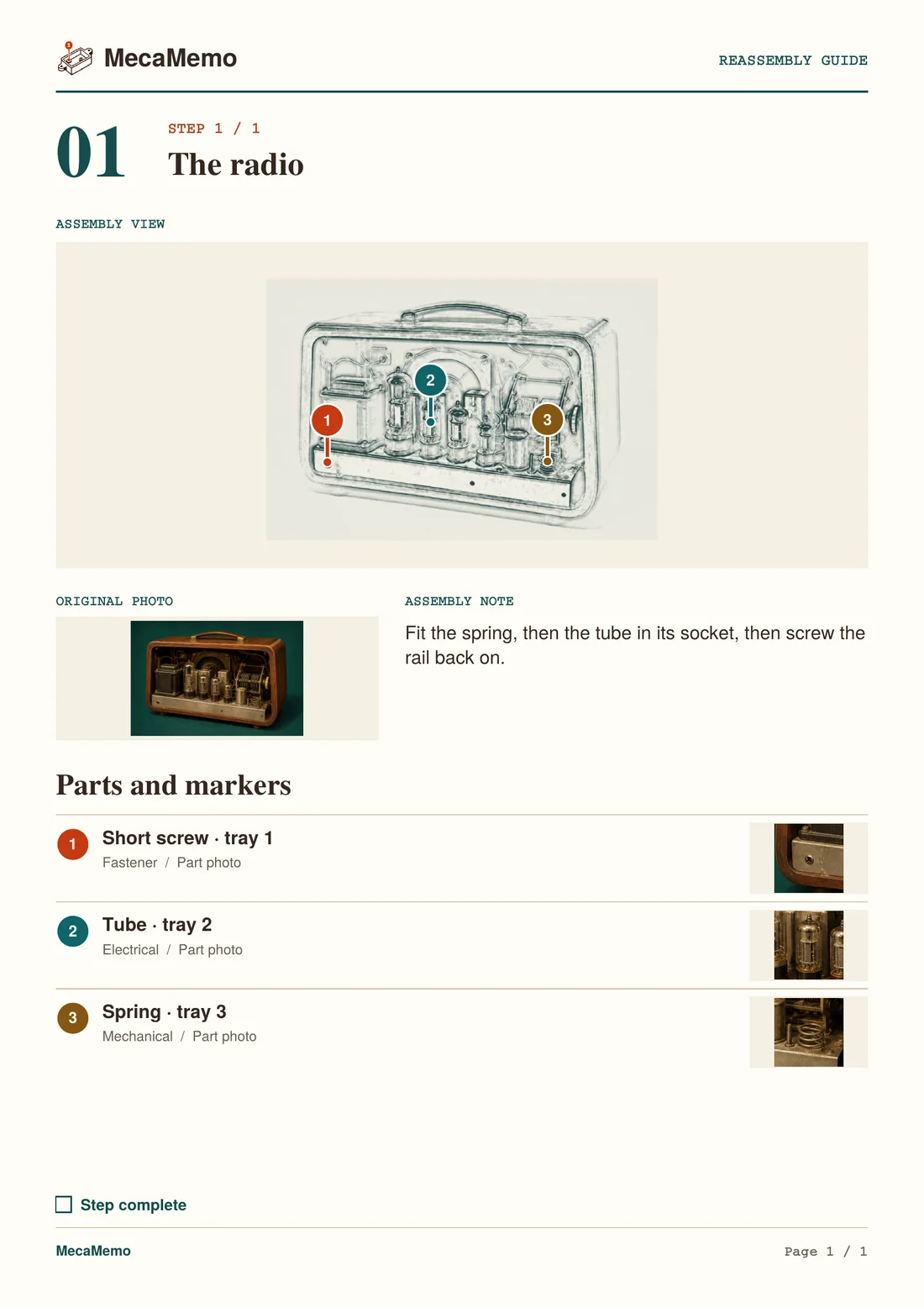
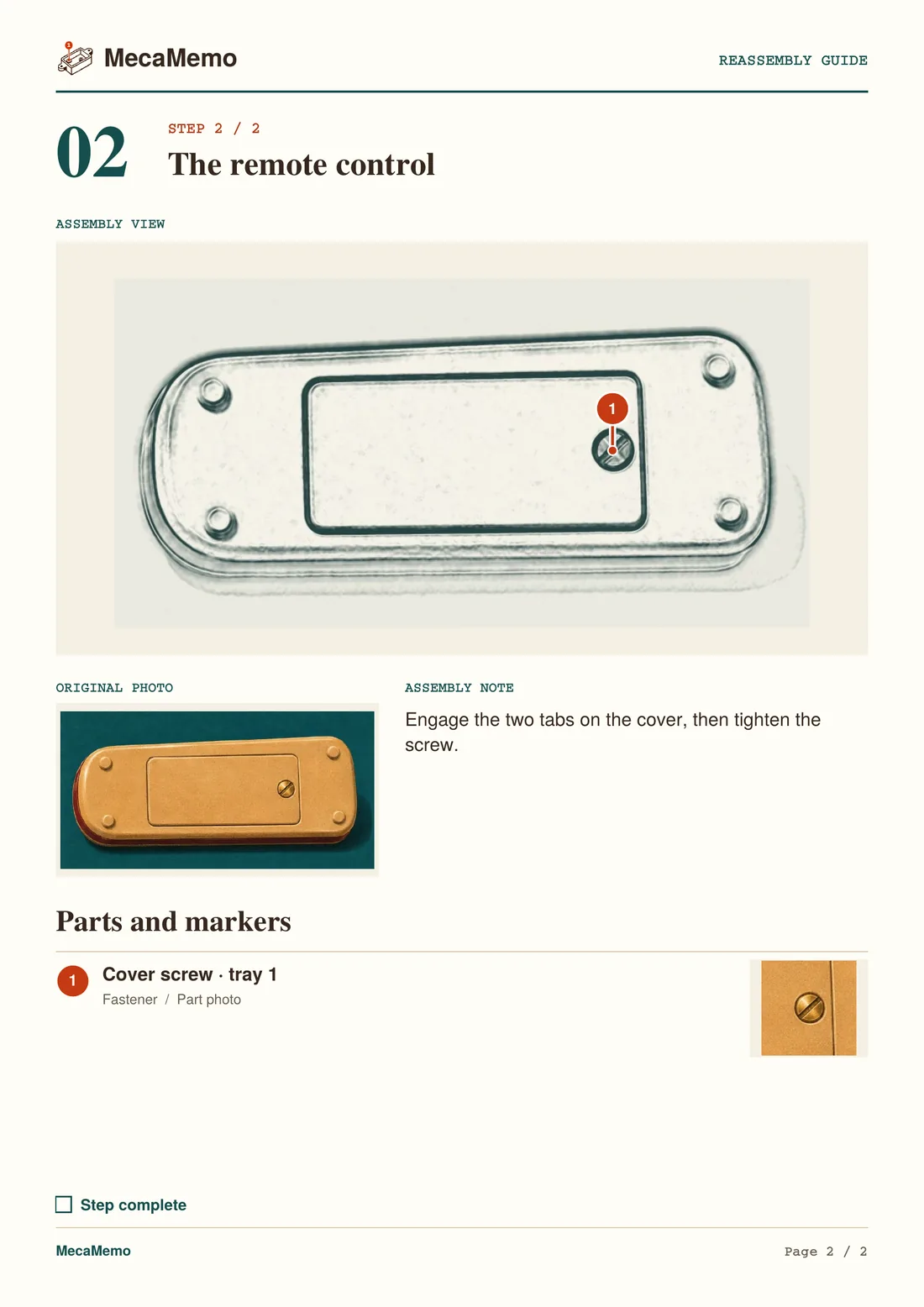
A real page exported by the app, from a sample photo.
A photo before every step, a marker on every part. MecaMemo turns them into an A4 guide in reassembly order, with line drawings, photos and notes.
2Tube · tray 2

Android 10 and up · English and French · no account
Tap the screw in the photo: a point is pinned to the exact spot and gets a number, set aside so nothing is hidden. Note the part and its tray. At reassembly, you know where it is waiting and where it goes.
1Cover screw · tray 1
Fastener
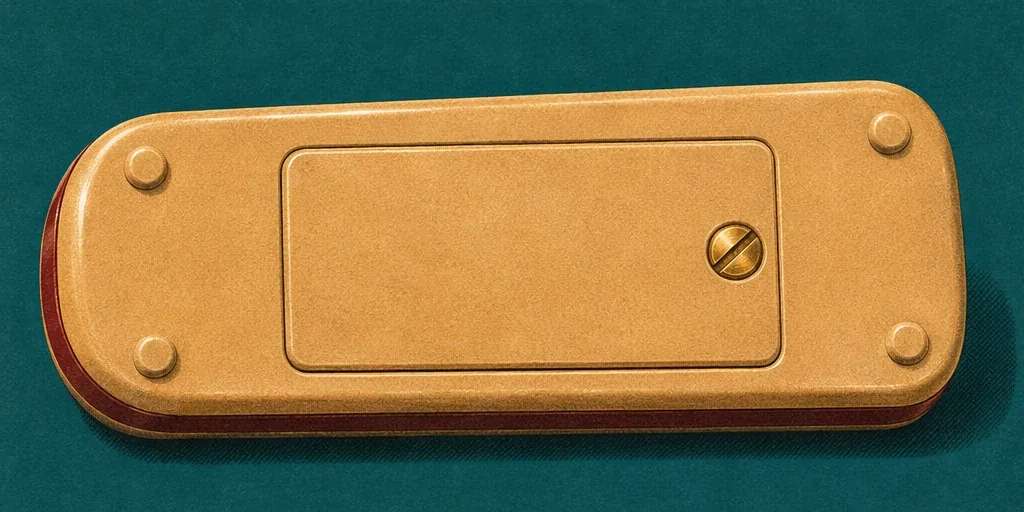
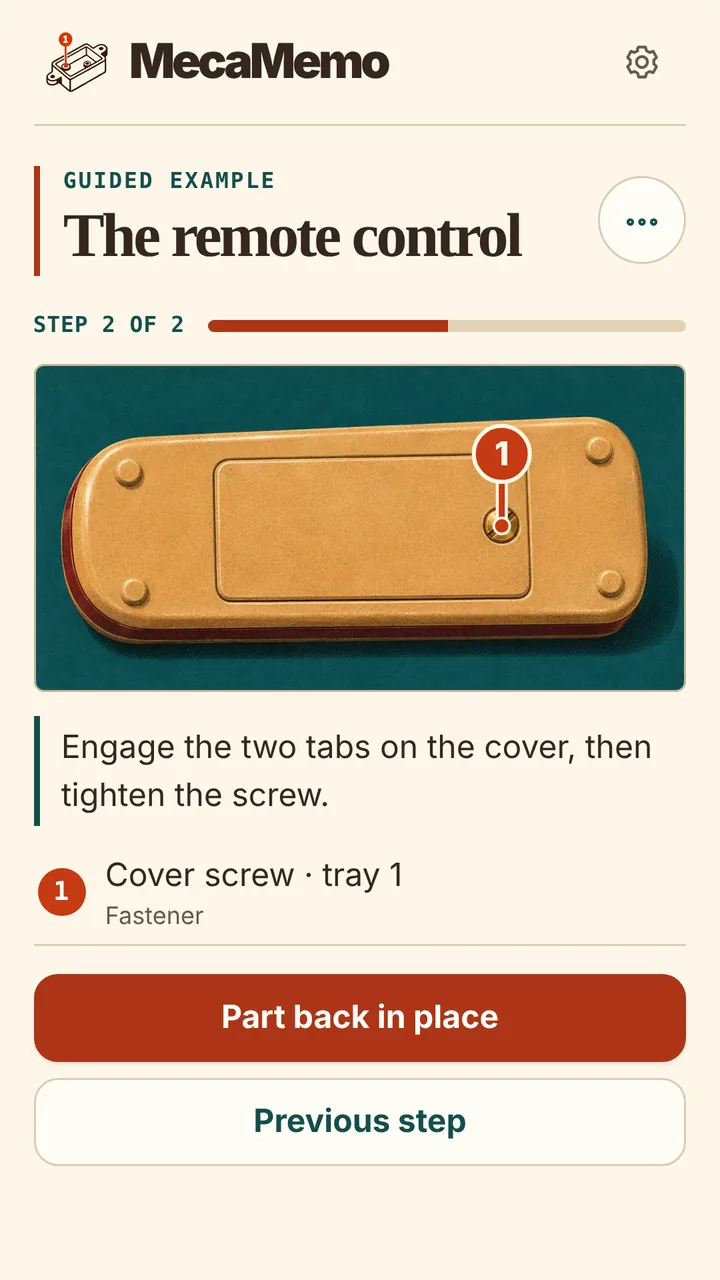
Engage the two tabs on the cover, then tighten the screw.
Add a close-up photo of the part if it helps: at reassembly, tap its number to enlarge it.
You take photos as you take things apart. MecaMemo walks you back in reverse, from the last step to the first, and you check off each part once it is back in place.
1Cover screw · tray 1 Fastener
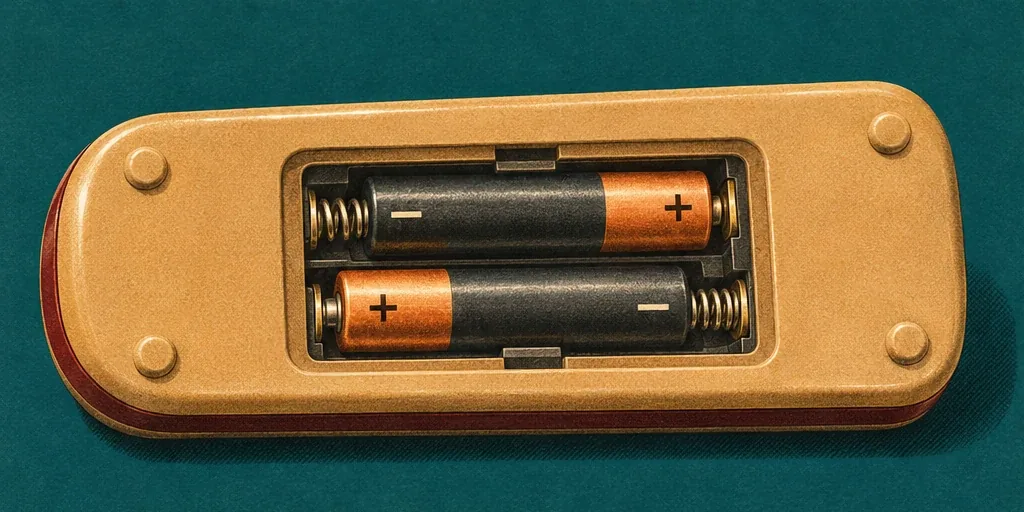
1AAA batteries · tray 2 Electrical
The app’s guided example: the remote control, in two steps.
The guide is created on the phone, page by page: the line-drawn assembly view derived from your photo, the original photo, numbers, types, notes and part photos. Save it wherever you like, print it in A4, and keep it on the bench.
A radio, a remote control, a bike, a kitchen appliance: take it apart without fearing a leftover screw. Several teardowns at once, moved to the archives when they are done.
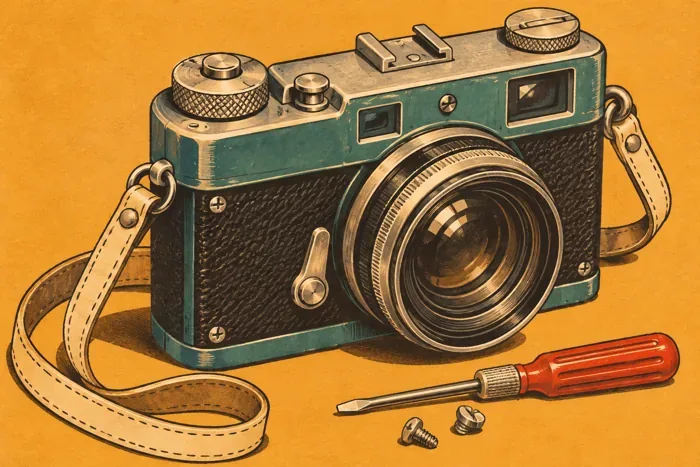
Repairers, technicians, maintenance teams: every step keeps its photo, markers and note, and the PDF guide goes into the device’s file.
A photo before every step. When you put it back together, every part finds its place.
Android 10 and up · English and French · no account